
July in Japan is a time of vibrant culture and sweltering heat, and this year, it was my vacation. From the overcrowded trains of Tokyo to the Elden Ring hellscape of mount Hakone, Kamakura’s surf vibes, Naoshima’s art installations, Okayama’s peach boy statue, Kurashiki’s scenic canals, Shioya’s tofu man, Osaka’s triangle park, and Hakodate’s famous slope — all were stops on my journey to Sapporo, where family ties awaited.
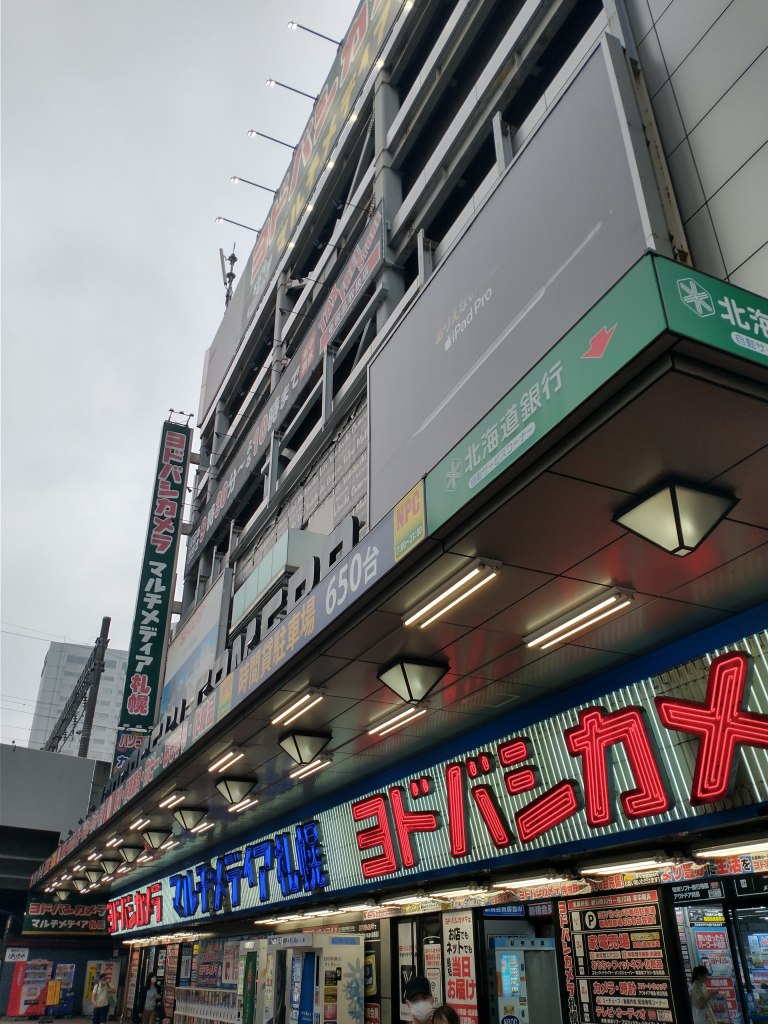
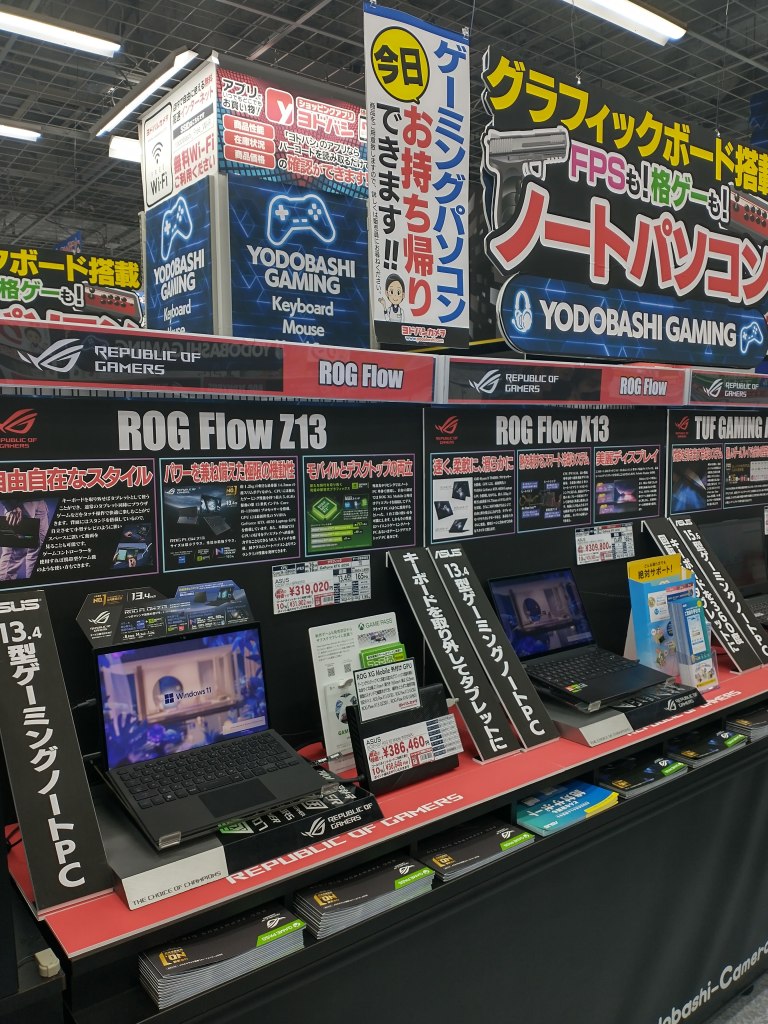
In Sapporo, Yodobashi Camera is my favourite store. Its a treasure trove of tech gadgets and the gaming section caught my eye. I left with a sleek Asus brochure filled with various Republic of Gamers laptops. The language barrier meant I admired the images more than anything else. The one that had me dreaming was the ROG Zephyrus G14 touted as a Windows equivalent of the MacBook Pro.
Fast forward a month, back in Montreal, the lure of technology was too strong to resist. A 32GB RAM version of the Zephyrus G14 was on sale at Best Buy. “Sale” hardly seemed the right word for such an expensive item but I was over it. I biked to the store ready for the plunge.
The showroom floor was my testing ground. I downloaded and installed Godot on the demo unit and put the Third Person Shooter demo through its paces. The salesperson, intrigued, inquired about my actions. By chance, an AMD representative was present and joined the conversation. I found myself introducing them to Godot, sharing my passion for open source gaming development and my aspirations to elevate my hobby.
As fate would have it, the Best Buy location was omni-channel, and amidst our nerd talk, the laptops sold out. Disappointment loomed, but then, serendipity struck — a canceled order freed up inventory, and the sales team ran to me, laptop in hand. The AMD rep, seizing the moment for a celebratory selfie, expressed gratitude for my choice of AMD over Intel. With the laptop secured I pedaled home with a new computer.
Tips
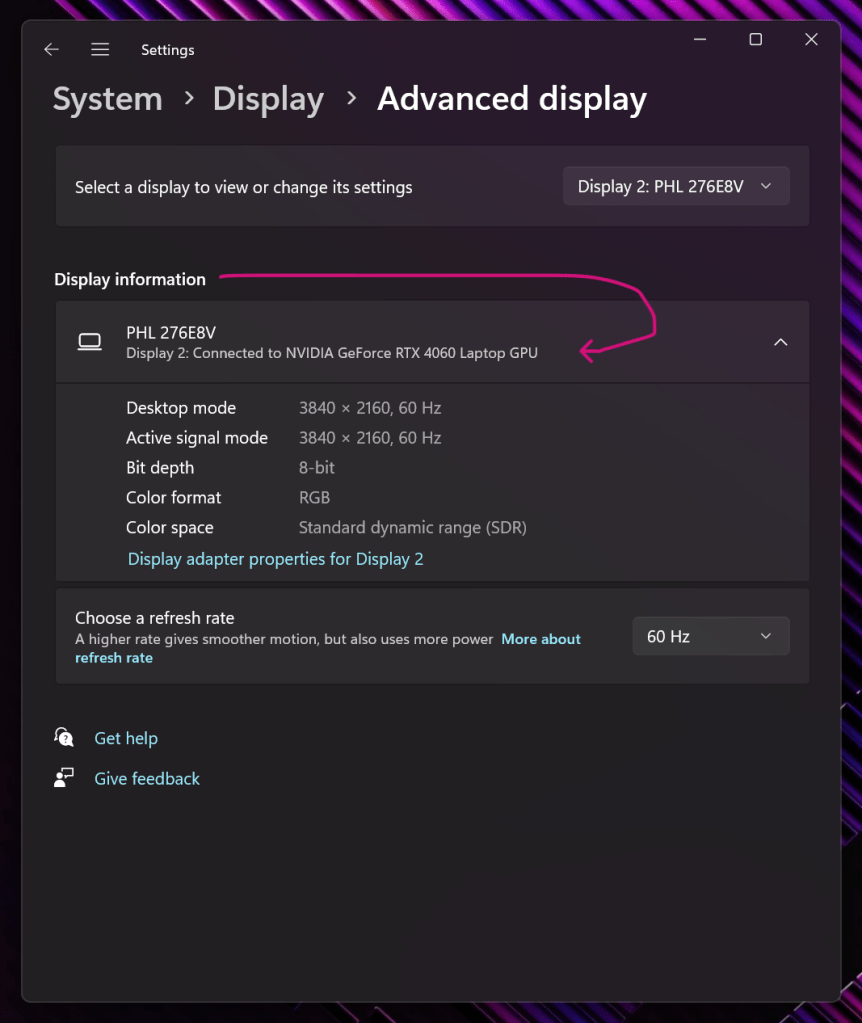
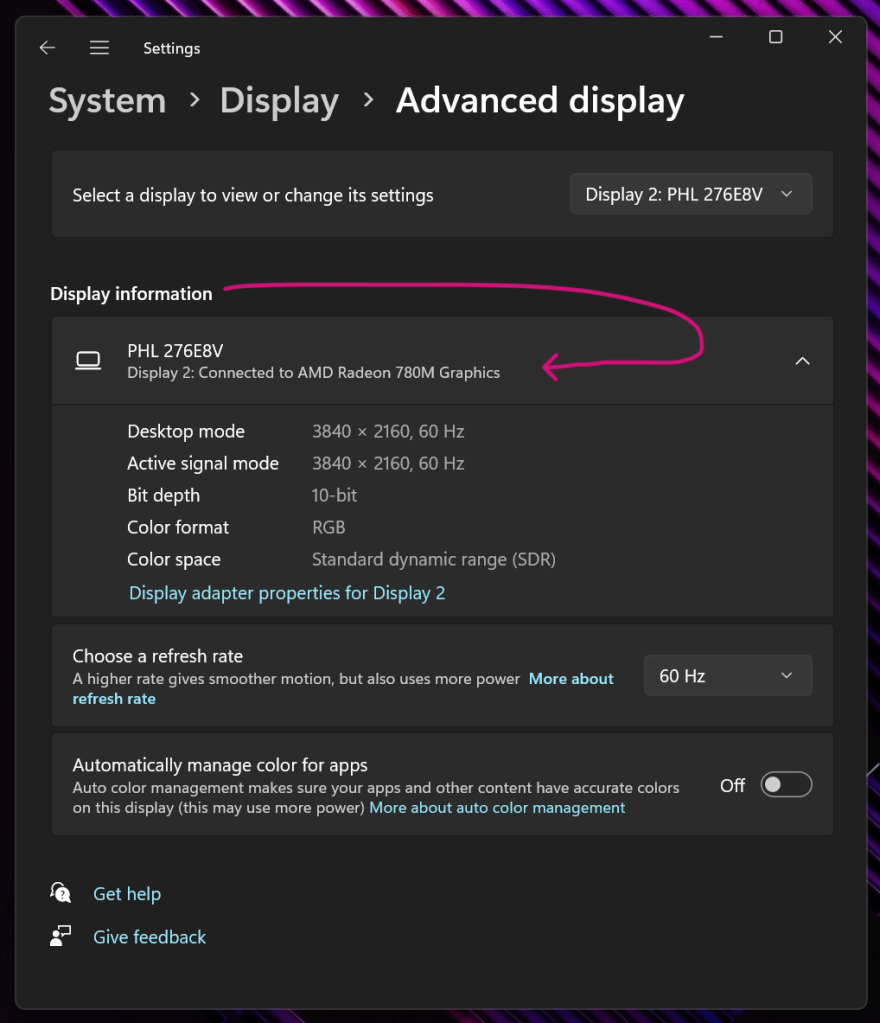
At my current day job, I use a MacBook, plugged into an external monitor setup in such a way that I can use two screens, and the fan is quiet. However, this was not the case with the Z14. Upon investigation, I found that the laptop’s temperature and fan activity were affected by which display port I used for my external monitor. Connecting to the HDMI or USB-C port on the laptop’s right side uses the Nvidia GPU directly, leading to higher temperatures and increased fan usage. Alternatively, using the USB-C port on the left side engages the integrated AMD graphics, which intelligently delegates tasks to the Nvidia GPU as necessary. For cooler operation, connect to the port that utilizes the integrated graphics.
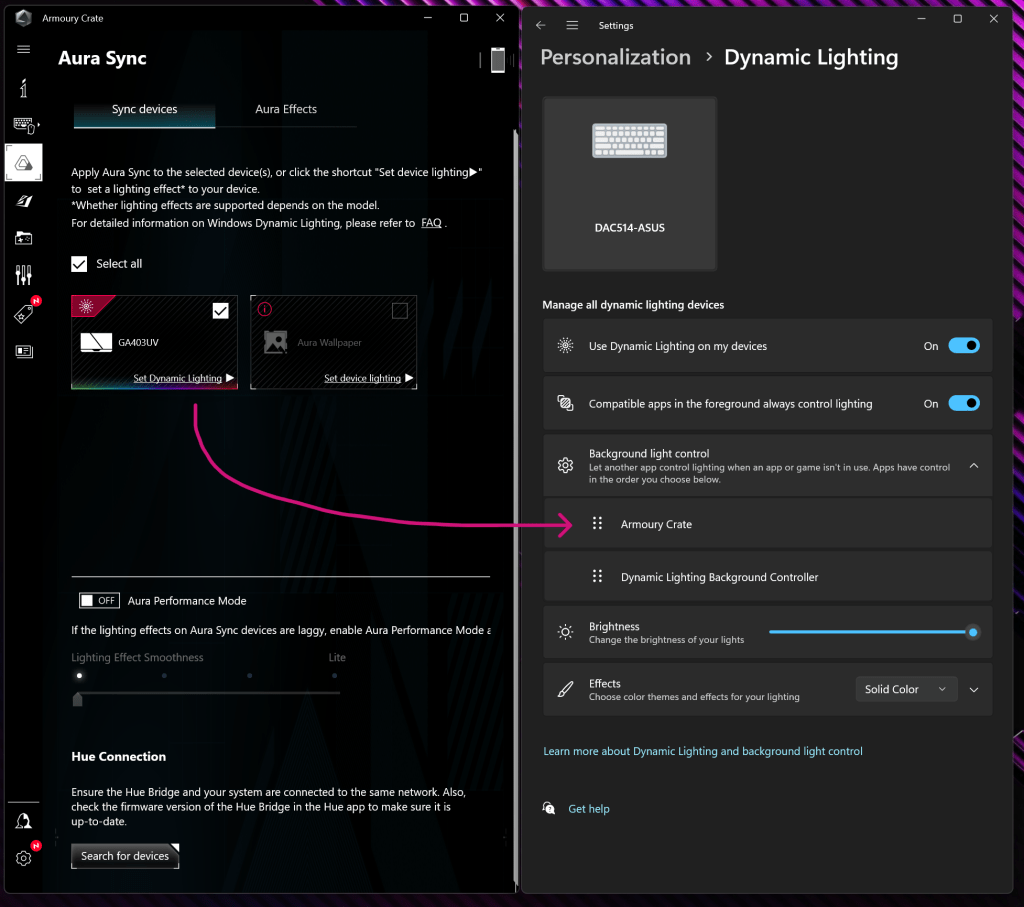
I’ve never owned a gaming computer, and the first thing that threw me for a loop was Armory Crate. It’s like a neon sign on steroids, hilariously obnoxious and flashing enough colors to make a rainbow jealous. But after a few hours of clicking and a bit of squinting, I got the hang of it. My mantra? “Rock the defaults.” For those who find Armory Crate’s aesthetic a bit too… let’s say, “visually assaulting,” there’s a more subdued open-source alternative called G-Helper. One concept that took me embarrassingly long to grasp was the need to reorder and prioritize Armory Crate in the Dynamic Lighting settings to get everything working.


 No Business Plan
Leave a comment